


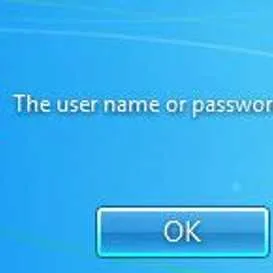
Windows login error is an error caused by a corrupt user profile after a windows update or malware.
Enter correct Username and Password
If you encounter the problem above, please enter correct Username and Password.
Call Network Admin
If set protocol prevents you from logging in. The administrator of this workstation has set allotted hours/time for the account to be accessible. Try logging on during the allotted time. Or contact the administrator to set new login time. However, If you are an administrator, log in to the administrator account and use to set logon hours or disable it.
Option 1. Use Administrator account
If you can access the Administrator account you could always delete the account having the error and create a new one.
Option 2. Modify Registry
- Access Safe mode.
For Windows 7 and Vista, restart your computer and press F8.
For Windows 10, 8 and 8.1, in the login window click the power button at the lower right side, hold the Shift key and select Restart. - Click Windows Start, type in Regedit, and then press ENTER.
- In Registry Editor window, look for HKEY_LOCAL_MACHINE\SOFTWARE\Microsoft\Windows NT\CurrentVersion\ProfileList.
- In ProfileImagePath folder, look for a folder name start atS-1-5. You should see 2 folders with S-1-5.
- Right-click the folder that has “.bak”, select rename and erases the letter k.
- Then, right-click the folder that has no “.bak”, select rename and type a “.bak”.
- Now go back to the folder with a “.ba” right click it, select rename and erase the character “.ba”.
- Then right-click the Refcount, select modify, then change the Value date to 0 and press Ok.
- Then right-click the State, select modify, then change the Value date to 0 and press Ok.
- Restart the computer.


