There are many different types of error codes that can be displayed when there is a problem with a website or web page. Some of the most common error codes include 404, 401, and 403.
Error code 404 means that the page you are trying to access cannot be found. This can happen for a variety of reasons, such as the page being moved or deleted, or you may have typed in the wrong URL.
Error code 401 means that you are not authorized to access the page you are trying to reach. This usually occurs when you try to access a page that is password protected.
Error code 403 means that you do not have permission to access the page you are trying to reach. This can happen if the website owner has set permissions so that only certain people can view the page.
If you didn’t find success with an option above, then try:
- Connection timed out
- -Check your internet connection and restart your router or modem
- -Check if the website is down by visiting another website
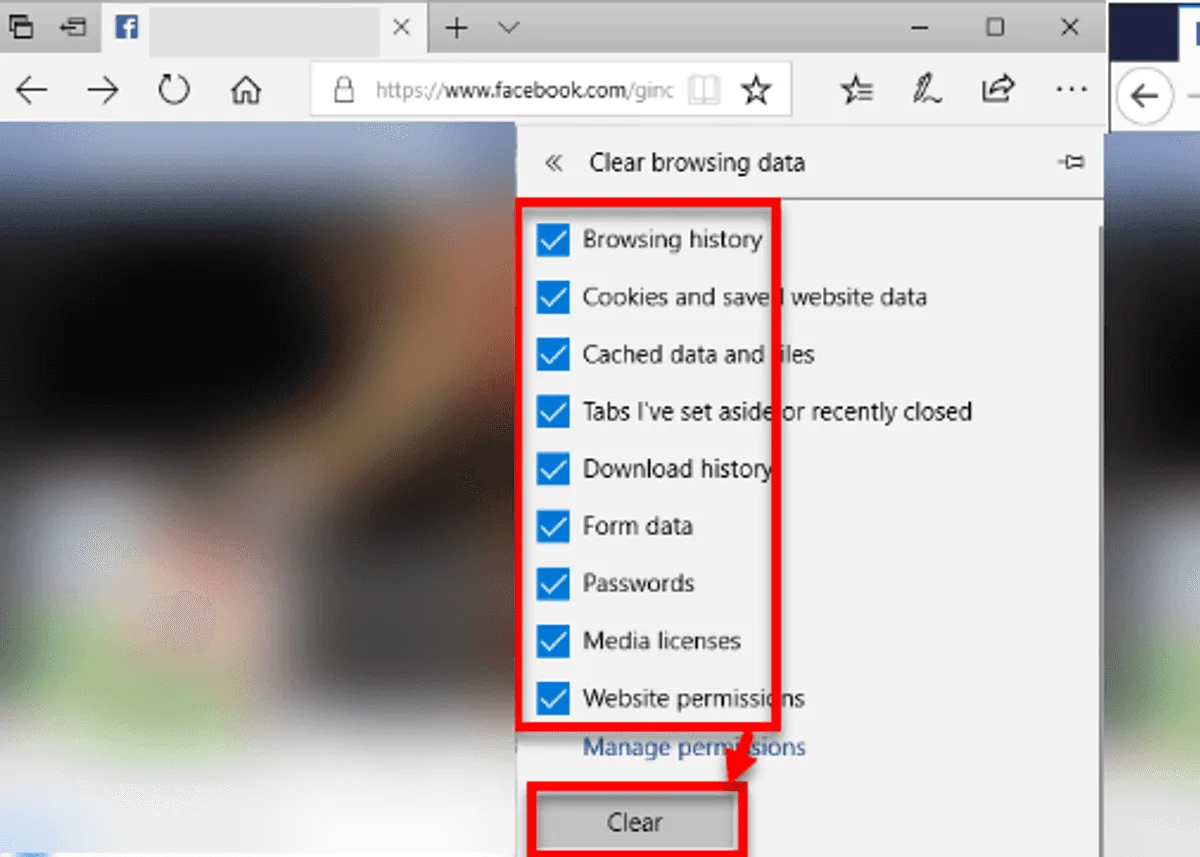
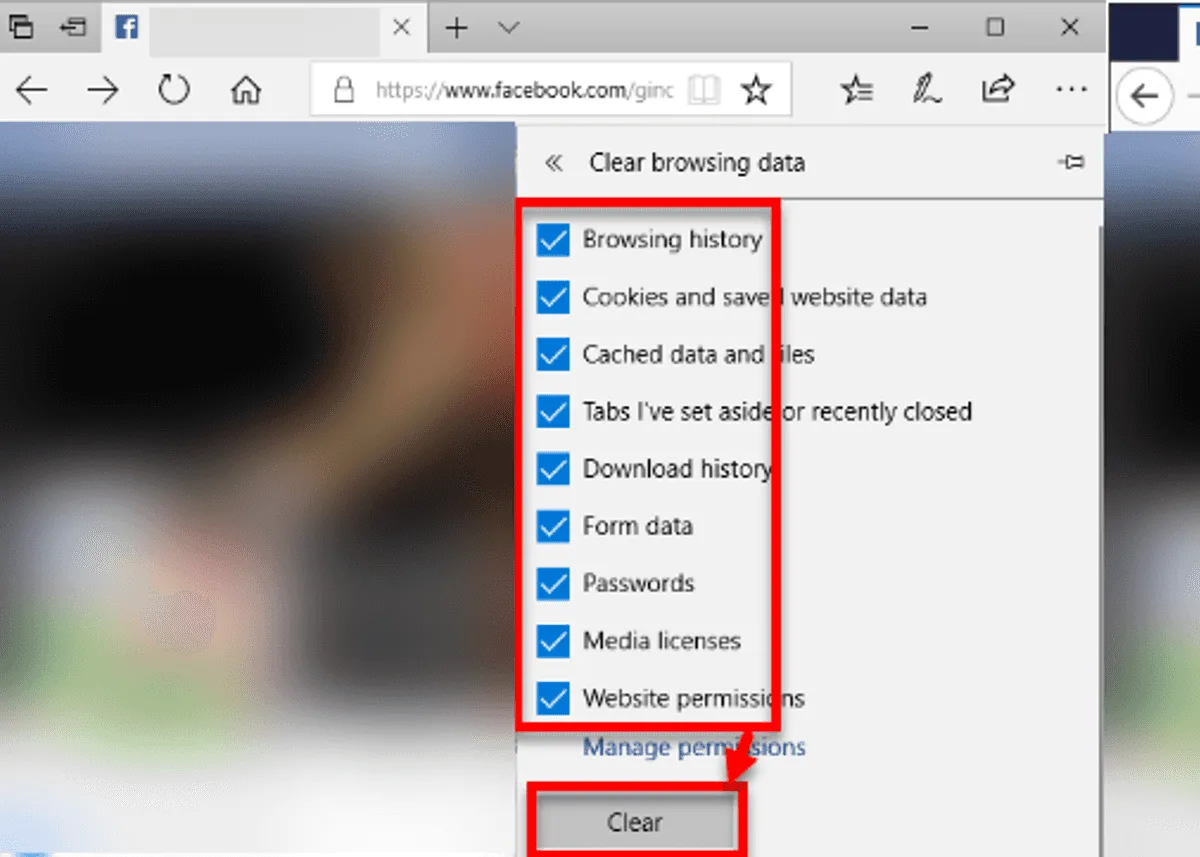
- -Clear your browser’s cache and cookies
- -Disable any browser extensions or plugins
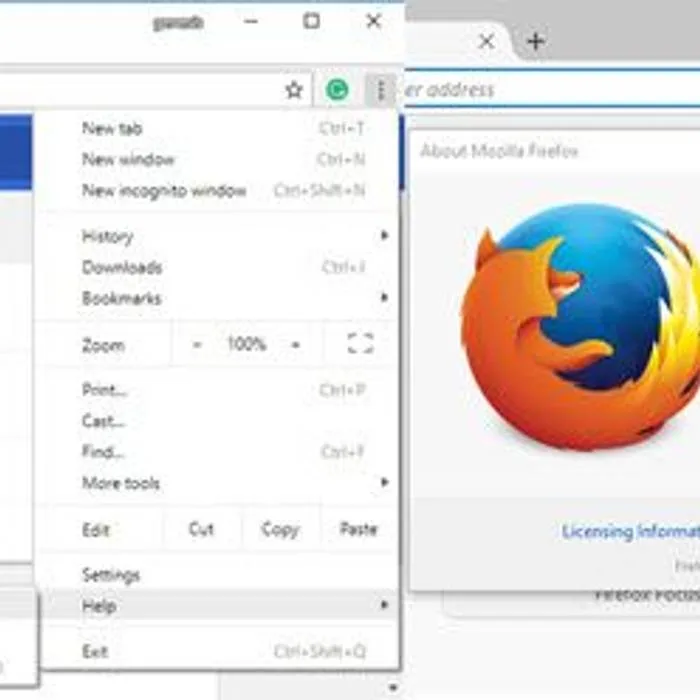
- -Reset your browser settings
- 2.DNS server not responding
- -Check your internet connection and restart your router or modem
- -Check if the website is down by visiting another website
- -Change your DNS server settings
- -Clear your browser’s cache and cookies
- -Disable any browser extensions or plugins
- -Reset your browser settings
- 3.404 Not Found
- -Check the URL of the website you’re trying to visit
- -Clear your browser’s cache and cookies
- -Disable any browser extensions or plugins
- -Reset your browser settings
- 4.500 Internal Server Error
- -Check if the website is down by visiting another website
- -Contact the website’s customer support
- -Clear your browser’s cache and cookies
- -Disable any browser extensions or plugins
- -Reset your browser settings