


Xbox One error video could not be decoded is an error that may occur when a user’s game clips or video clips do not play.
If the console is up to date, please skip this solution.
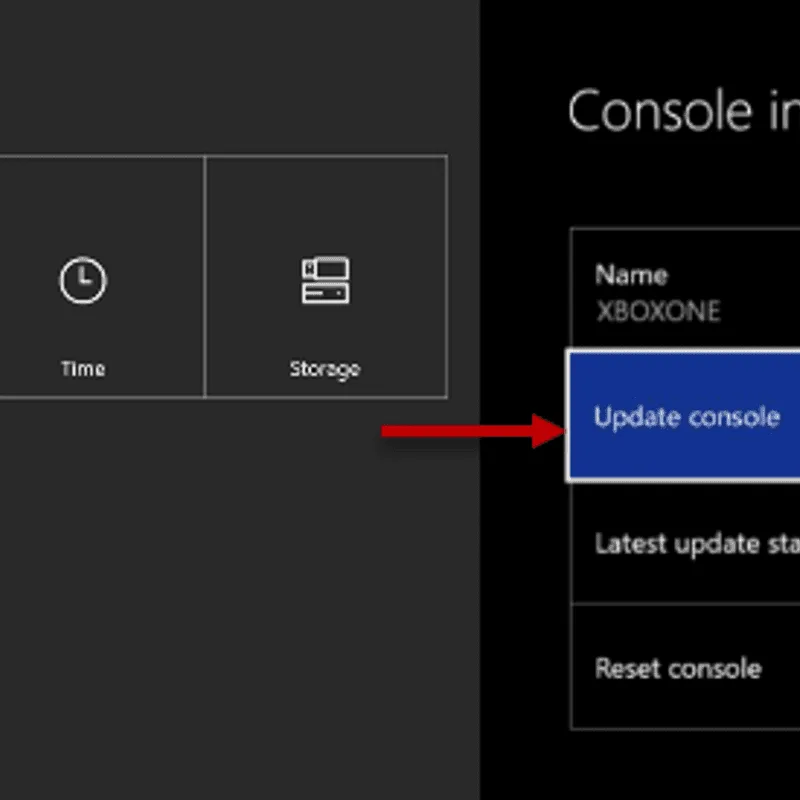
- Go to Settings, and then select All Settings.
- Go to System.
- Select Console info & updates.
-
Select Update console.
-
Go to Settings.
- Select Display & sound.
- Select Video Output.
- Enable settings in the Video Output that is compatible with your HDTV, HDMI, and the Video format.


