


What is iPhone error 1035?
iPhone error 1035 is a visual voicemail error that may be caused by a network problem.
How can you fix iPhone error 1035?
Some of the solutions to this error include setting up voicemail and resetting network settings.
Please see our in-depth walk-through solutions below.
- Turn off your WIFI.
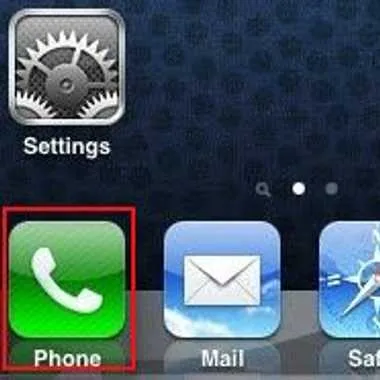
- Press the phone icon.
- Press and hold number 1 on the keypad, and enter the password to access your voicemail.
- Setup your voicemail greeting and password.
- Restart your phone.
NOTE: If you forgot the password, try to call your network service provider.
- Go to Settings > General > Reset > Reset Network Settings
- Enter your password.
- Press Reset network setting in red font.
- The phone will automatically reset.
- Try your voicemail again.
NOTE: If none the instructions above worked, try to call your network service provider.


